Features
Features below are implemented to support following file extensions:
*.image*.contianer*.volume*.network*.kube*.pod*.build*.artifact
Language server also support the drop-ins directories. For example having
foo.container. Settings can be override or added in a drop-ins file like
foo.container.d/10-ports.conf. On this way settings can be override without
changing the actual Quadlet files.
About the language server
Only Quadlet part has features in the files below. The generic systemd related parts are not covered.
Built-in commands
Language server provides some command that can be called from IDEs.
- List which background tasks are running
- Name: listJobs
- Neovim command:
QuadletListJobs - VS Code command:
Quadlet: List activities - Looking for all images in the directory and pull them down
- Name: pullAll
- Neovim command:
QuadletPullAll - VS Code command:
Quadlet: Pull All - Generate documentation
- Name: generateDoc
- Neovim command:
QuadletGenerateHTML,QuadletGenerateMd,QuadletGenerateJSON - VS Code command:
Quadlet: Generate HTML,Quadlet: Generate Markdown,Quadlet: Generate JSON
Syntax checking
The language server performs syntax checking over the files. For more details, check Quadlet Syntax Rules.
Disable syntax rule per file
It is possible to suspend specific QSR rules on file and on directory level. On
directory level you must edit the .quadletrc.json file, see
configuration file.
On file level, it must be specified at the beginning of file. If line starts
with # disable-qsr: or ; disable-qsr: and followed by specific QSR code,
they do not be checked on specific file. See an example.
You can put more QSR codes to one line, you can create multiple lines, both config below are valid.
Configuration file
If .quadletrc.json file exists in the current working directory, then some
settings can be override.
disable: A string array, if any syntax checker source can be found here that is ignored.podmanVersion: Podman version can be specified. It can be useful if you want to make Quadlets to another system where older Podman running than on your current machine. If omitted, then it try to automatically discover based onpodman versioncommand. If failed, then assumes you are using the highest version.
Project settings
If the project itself is not just a Quadlet project, a root directory can be
specified as project.rootDir in the configuration file. Result is, that the
root directory where the language server work and looking for files will be a
subdirectory of the project. This is useful, if you just provide Quadlets for
installation but this is an application project.
There is another settings, called project.dirLevel, which defaults to 2.
Language server recursively looking for Quadlet files. Without any limitation,
this could be end like an expensive and slow search. For this reason this
settings has been made.
Example for file
{
  "disable": ["qsr013", "qsr004"],
  "podmanVersion": "5.4.0",
  "project": {
    "rootDir": "container/quadlets",
}
Format file
Language server has feature to format the document. Format has the following rules:
- Line width does not exceed the 80 character width. If a line is longer, then
line is split by using
\continuation sign. - Each comment line is removed, except from the beginning of the file.
- Properties are grouped based on topics.
- Within the topics, settings are sorted based on alphabetical order.
Example formatted file:
# disable-qsr: qsr014 qsr013
#
# File name: gitea.container

[Unit]
Description=Gitea application
StartLimitIntervalSec=90
StartLimitBurst=5
Wants=gitea-db.service

[Container]
# Base options
AutoUpdate=registry
Image=docker.io/gitea/gitea:latest-rootless
Pod=gitea.pod

# Storage options
Volume=/etc/localtime:/etc/localtime:ro
Volume=/etc/timezone:/etc/timezone:ro

# Environment options
Environment=GITEA__database__DB_TYPE=postgres
Environment=GITEA__database__HOST=127.0.0.1
Environment=GITEA__database__NAME=gitea
Environment=GITEA__database__USER=gitea

# Secret options
Secret=gitea-db-password,type=env,target=GITEA__database__PASSWD
Secret=gitea-smtp-password,type=env,target=GITEA__mailer__PASSWD

# Healthcheck options
HealthCmd=/bin/curlcurl -k --fail --connect-timeout 5 \
  https://127.0.0.1:3000/api/healthz
HealthRetries=10
HealthStartPeriod=15s
HealthTimeout=15s

# Other options
LogDriver=journald
UserNS=keep-id

[Service]
Restart=on-failure
RestartSec=2

[Install]
WantedBy=default.target
Syntax highlight
The language server has feature called semantic tokens. In the Quadlet files there are no programming language syntax like classes, variables. Besides the generic highlighting, by semantic tokens, language server tries to highlight differently the more important fields, so if somebody take a look for a file, the important files (e.g.: image owner and name, environment variables name, etc.) are differently highlighted.
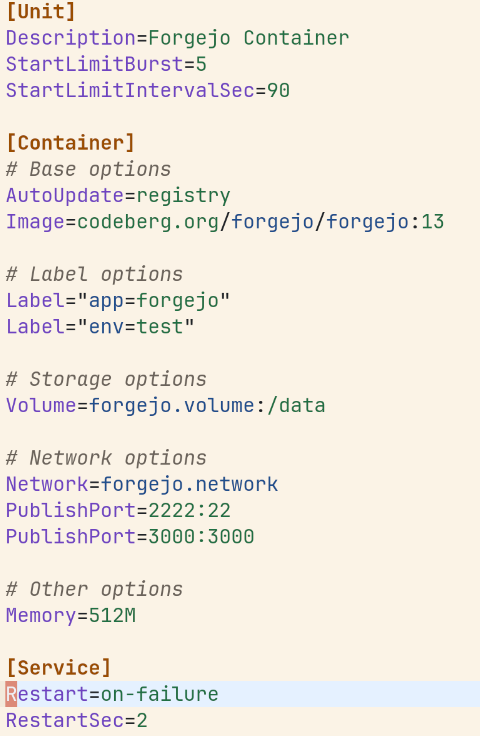
Hover menu
Hover on properties
Provide some information about specific property. See a demo about a container file in the following video.
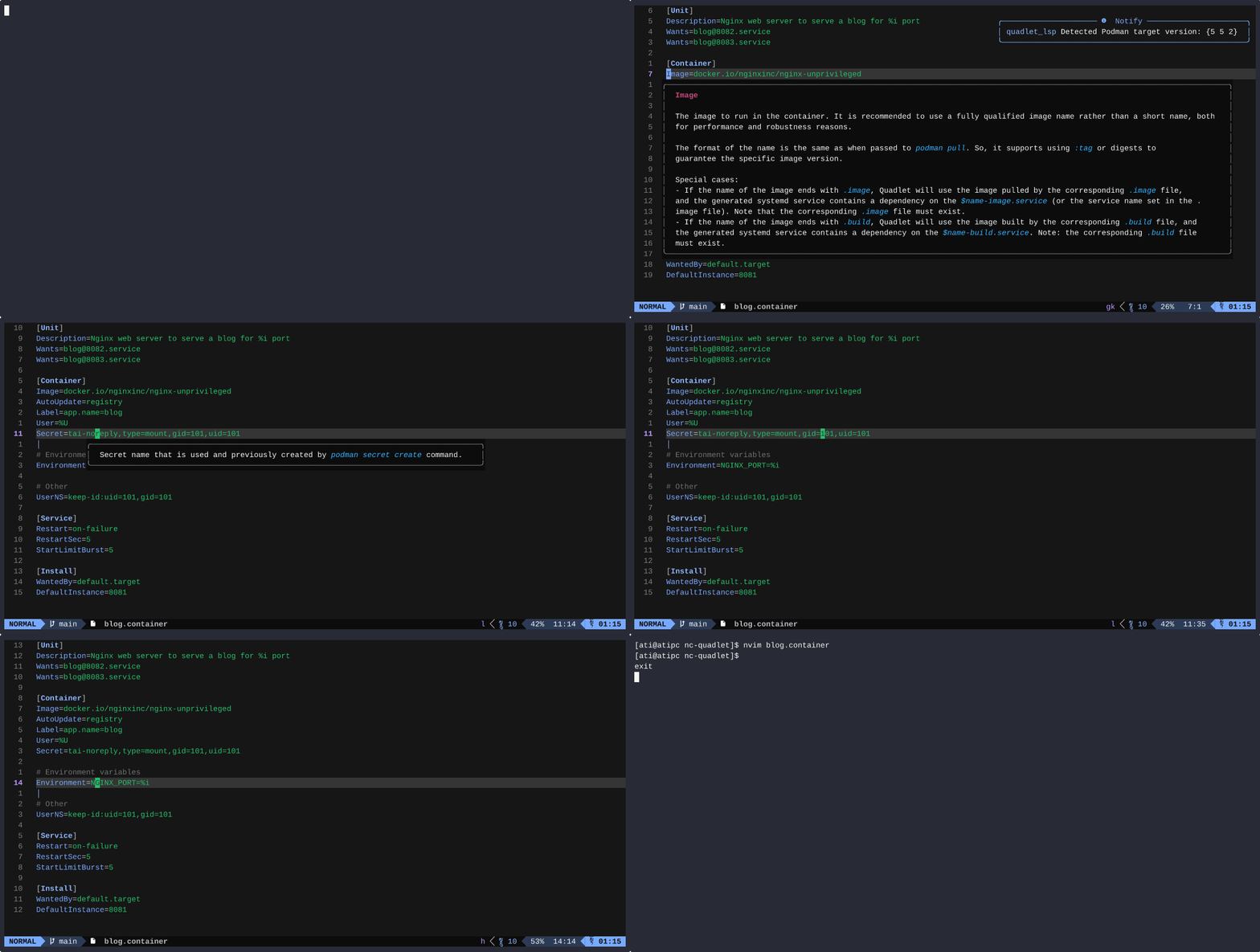
Besides, following property values has hover explanation:
UserNSVolume(including flags)Secret
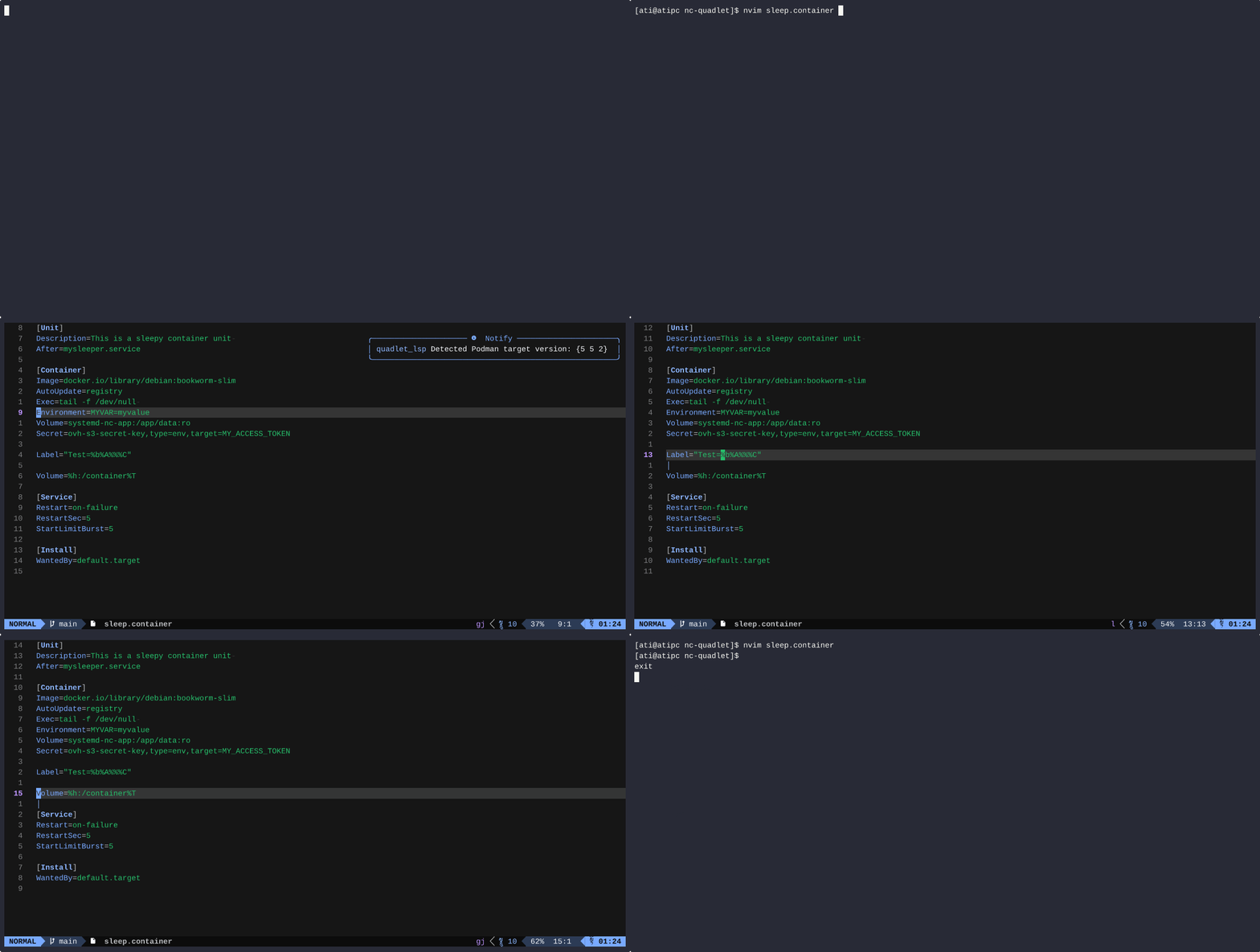
Hover on systemd specifiers
The systemd specifiers can be used in Quadlets. Language server provide hover functionality for them.
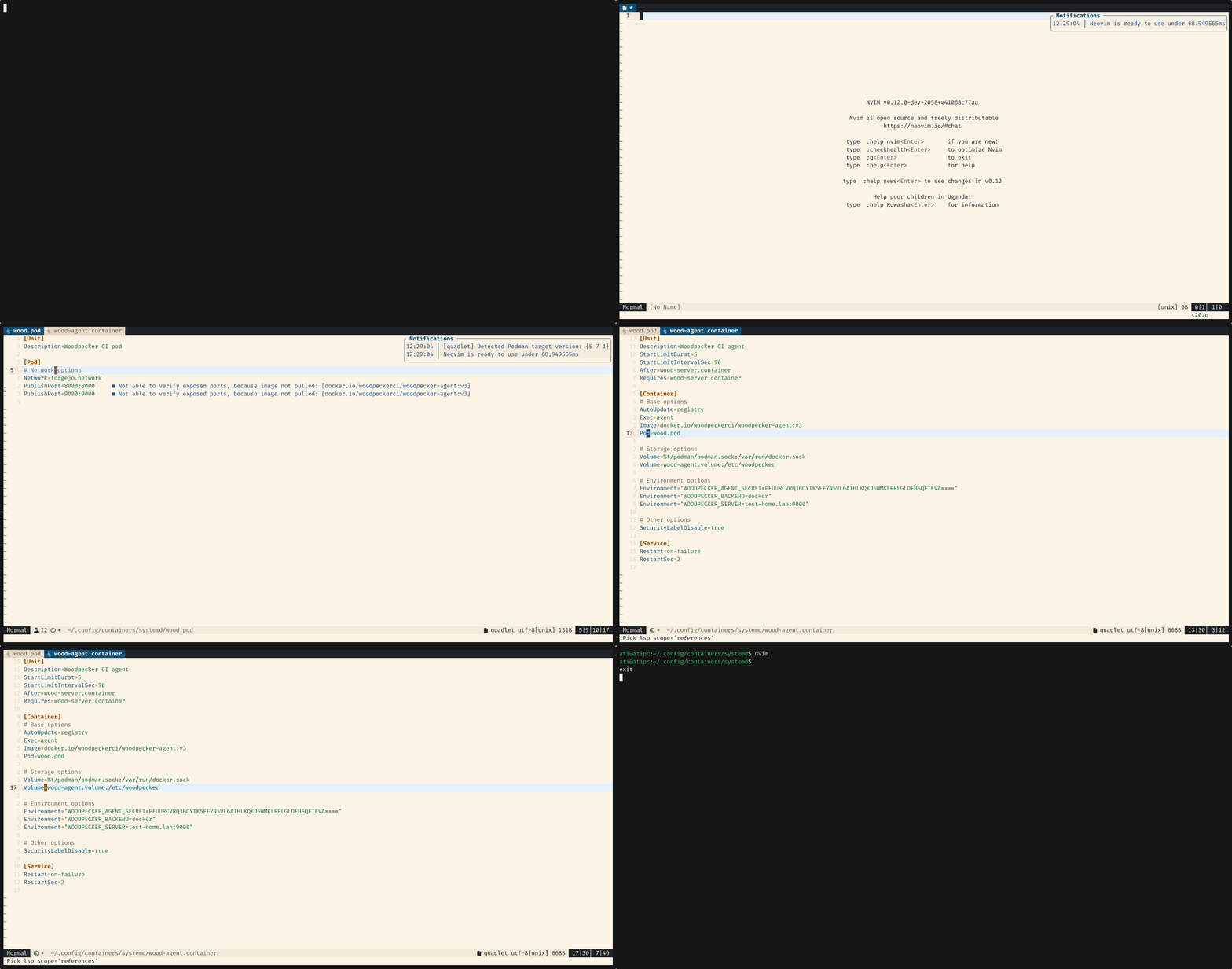
Peek into Quadlets
If the hover is done on a value that points to another Quadlet at Network,
Pod or Volume value, it peek into the file and display on hover.
Completion
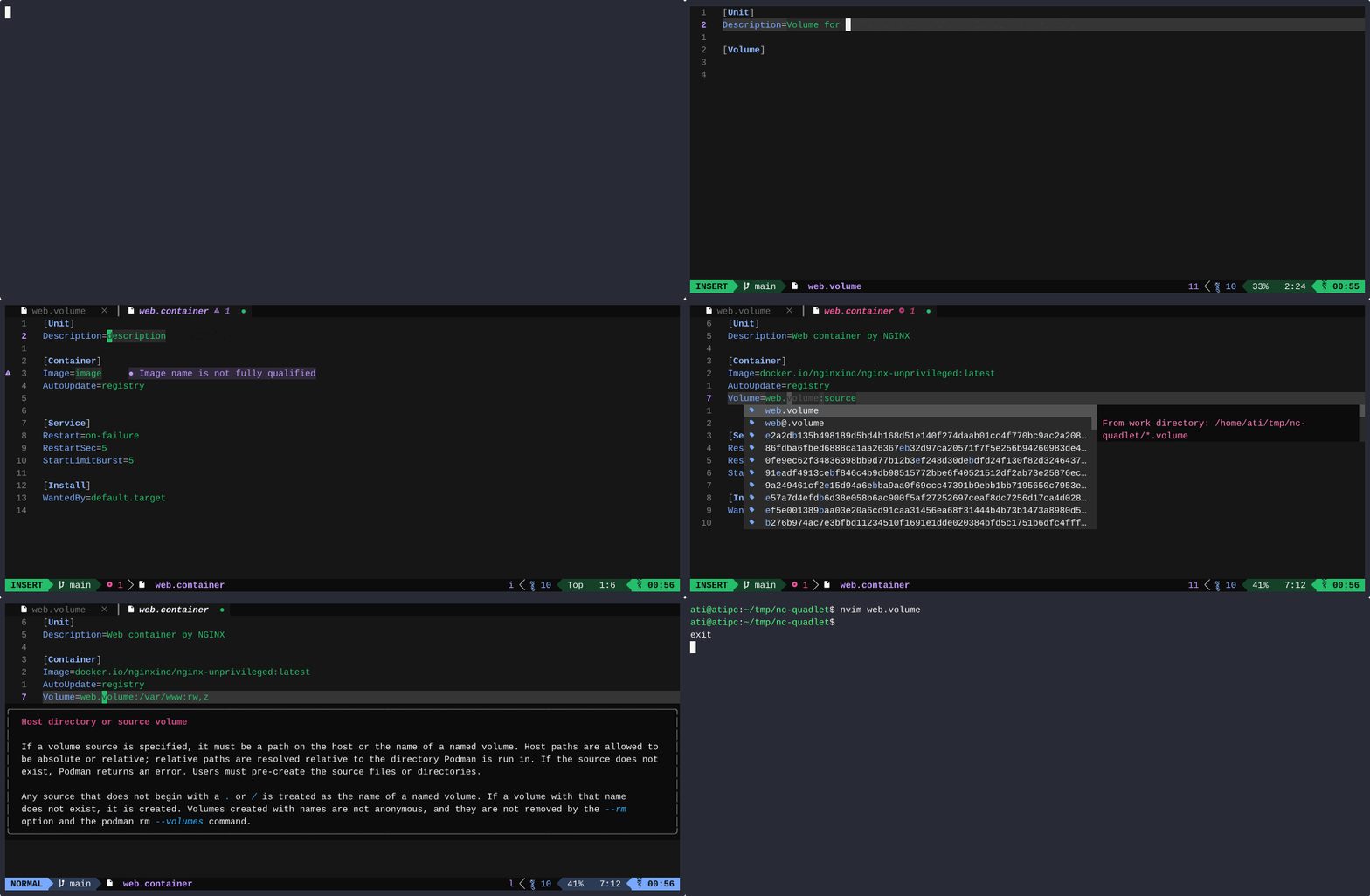
Starter template
The newContainer, newVolume, and so on, provide a started template for
specific files.
Static completion
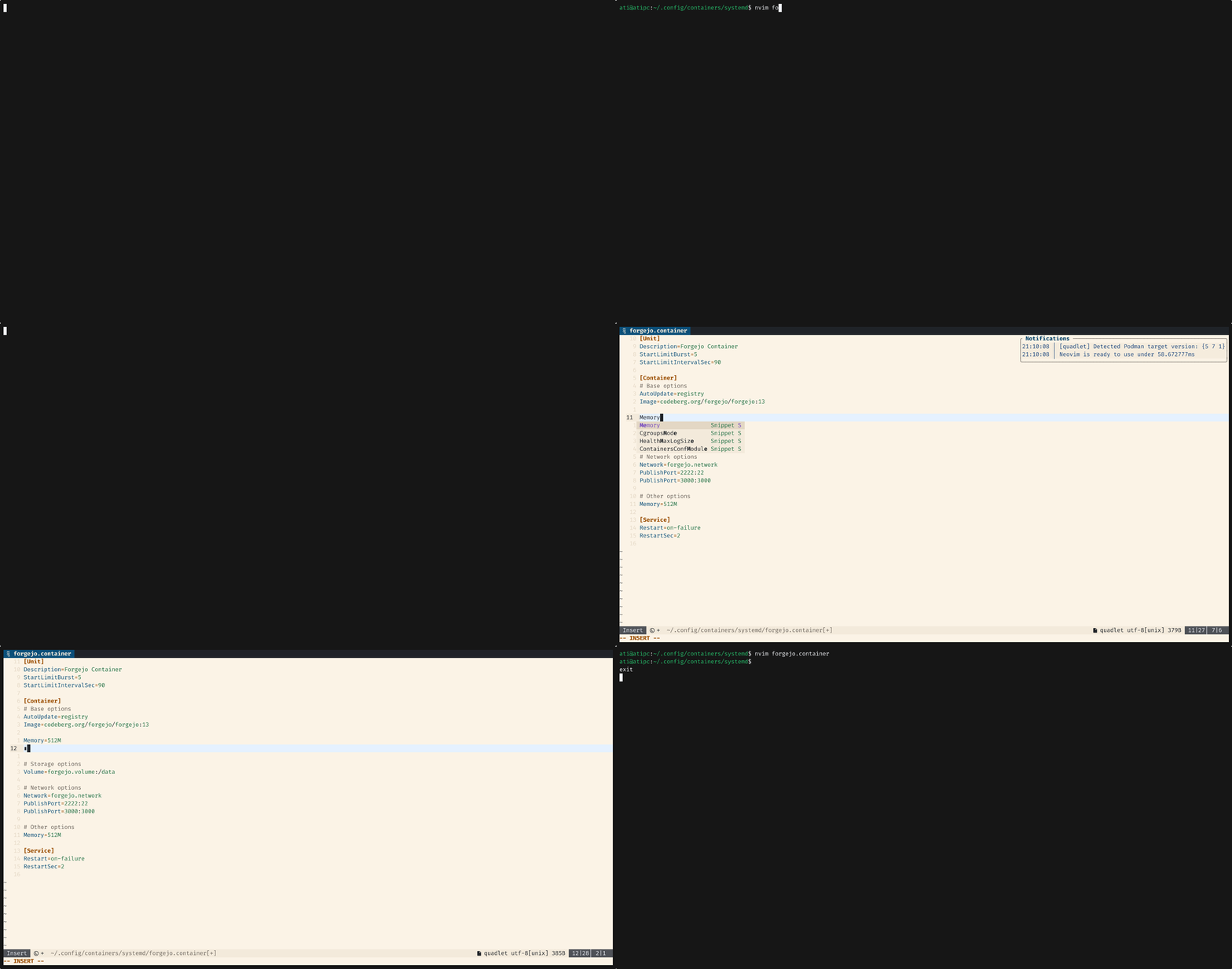
Language server provide some static completion based on Podman Quadlet
Documentation, like Exec, Environment, and so on.
Templates
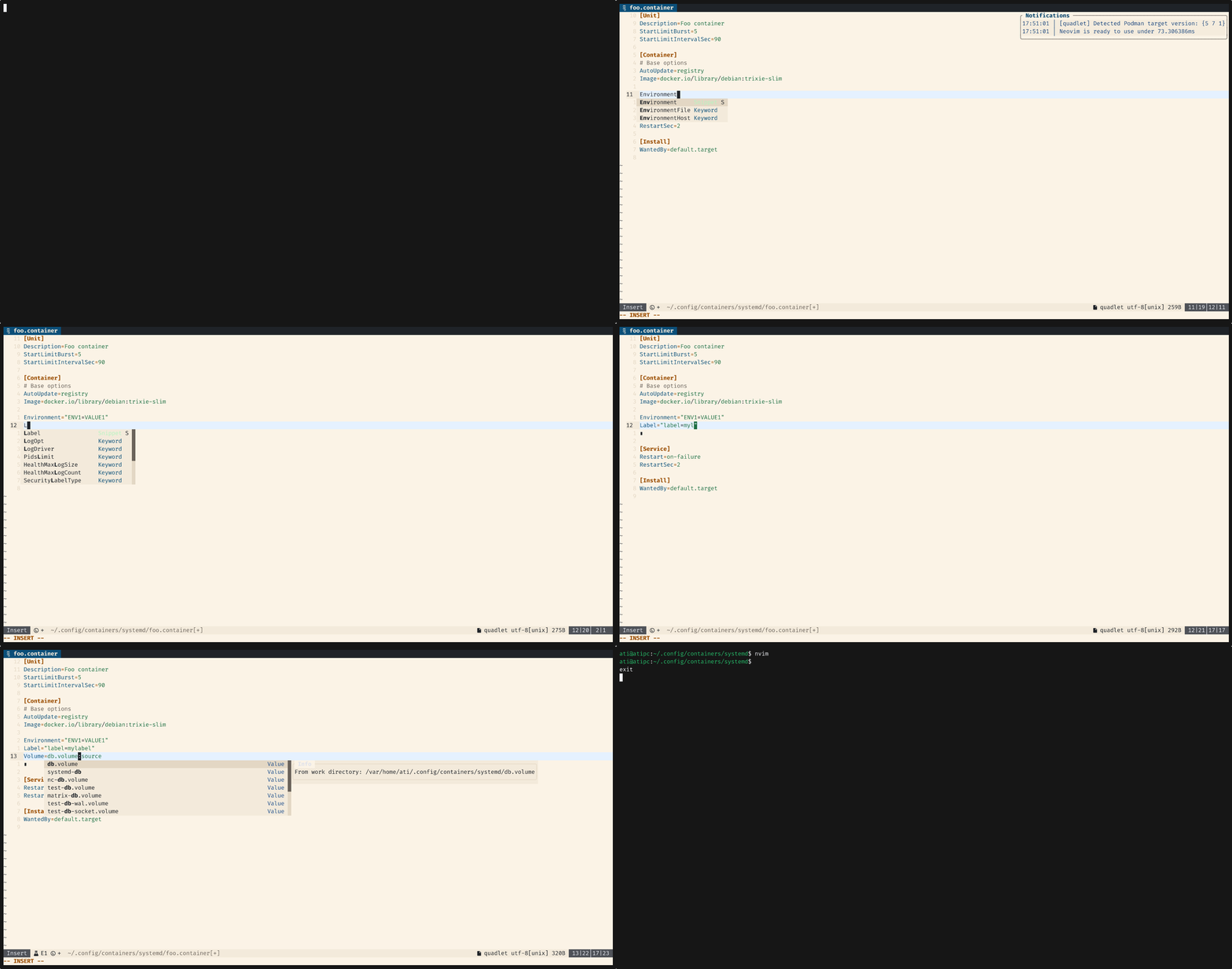
Some property has a "new template". If you type them you can get predefined snippets. Currently supported new templates:
AnnotationAddHostEnvironmentLabelPublishPortSecretVolume
Dynamic completion
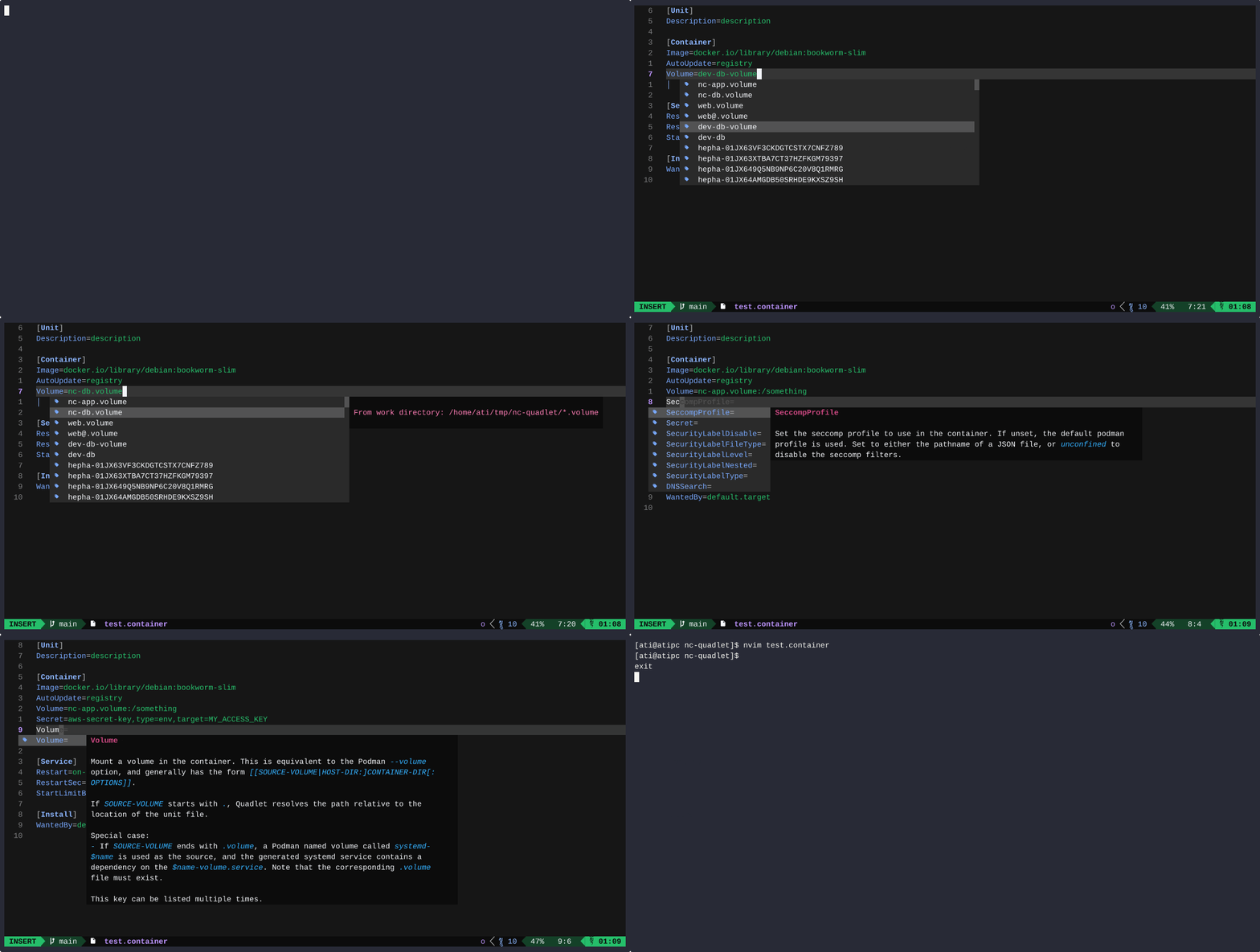
Language server provide some dynamic completion:
- List pulled images and
*.imagefiles atImage= - List defined secrets at
Secret=. Also further parameters (type, target) - List created volumes and
*.volumefiles atVolume=. Also further parameters (rw, ro, z, Z) - List
*.podfiles atPod= - List created networks and
*.networkfiles atNetwork= - Gather and list
uidandgidfrom image ifUserNS=keep-id:is specified - Gather exposed ports from image and provide them when
PublishPortis specified. In case of pod, it gather all images exposed ports. - List systemd specifier (e.g.:
%h,%t,%n) whenever write '%' sign
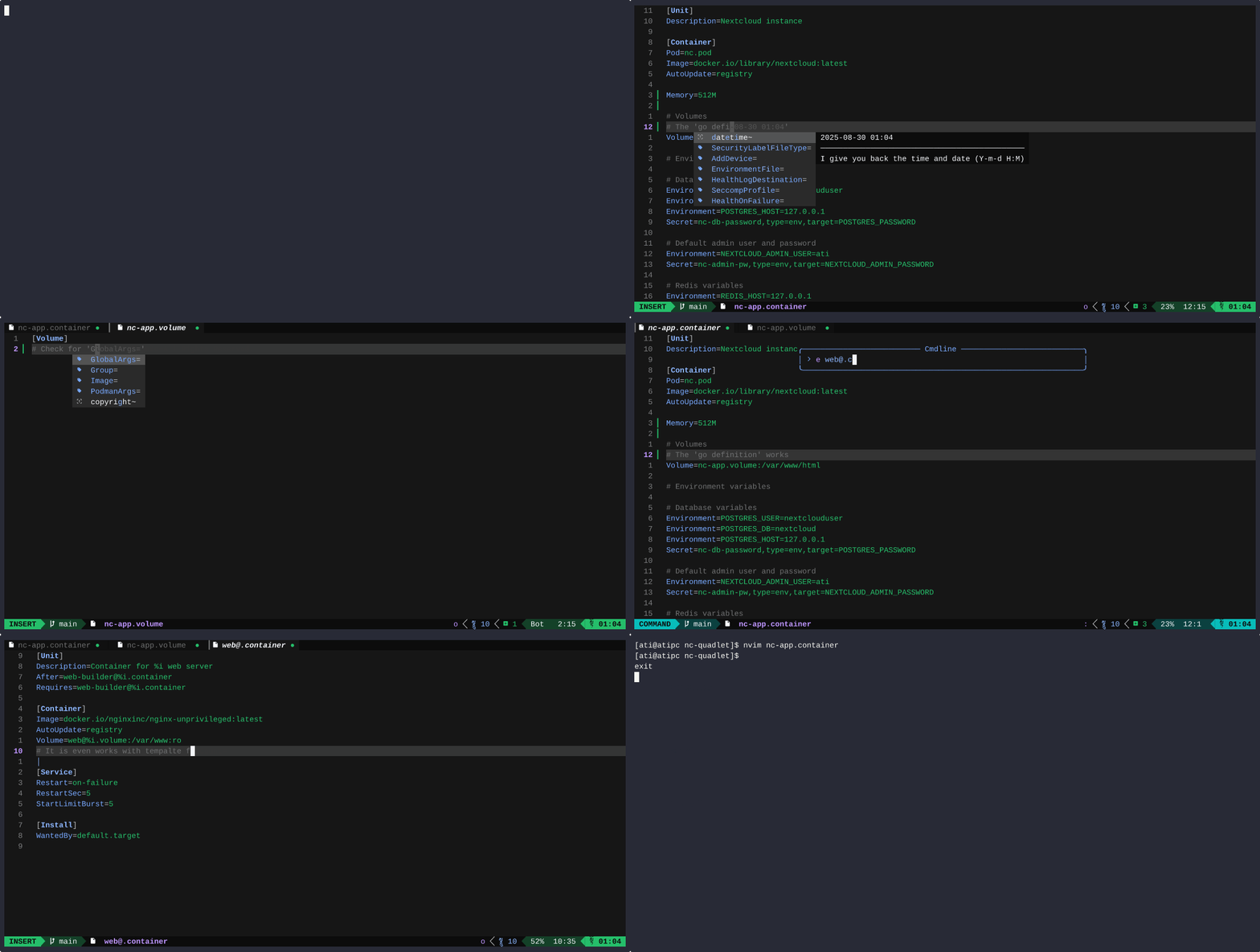
Go definition/references
If you are on a line that points to another file, e.g.: Pod=nc.pod and using
the go definition function, the file is open.
If you are on a line like [Pod], [Volume], [Network], [Image], then
current work directory is searched for any references to that specific file.
Alternate usage
This binary can be used as a CLI syntax checker for Quadlet files. This can be useful, for example in CI/CD pipeline to verify Quadlets before packaging and later deploying.
Same rule applied for CLI that is also applied for editor syntax checking. The
.quadletrc.json file is also used on same way.
Example for usage, that monitor the current working directory: